Work time tracking
Time tracking for your own work hours
Log your workdays, breaks and overtime and see how much you've worked in one place. WorkIO helps you keep your own personal time tracking from your phone or the web, without turning it into a complicated employee management system.
Android · iPhone · Web

Time tracking designed for the worker
Not every time tracking system has to be built for businesses managing a workforce. If what you need is to know when you worked, how many hours you've accumulated, or how much time you spent on a given workday, WorkIO puts that record in your hands.
You can use it to keep your own record, hold onto a history of your workdays and check back on the information you need afterwards.
Discover WorkIO, the app for tracking your work hours →Your own workdays
Log the hours you work and keep your history organized without relying on spreadsheets, notes or manual calculations.
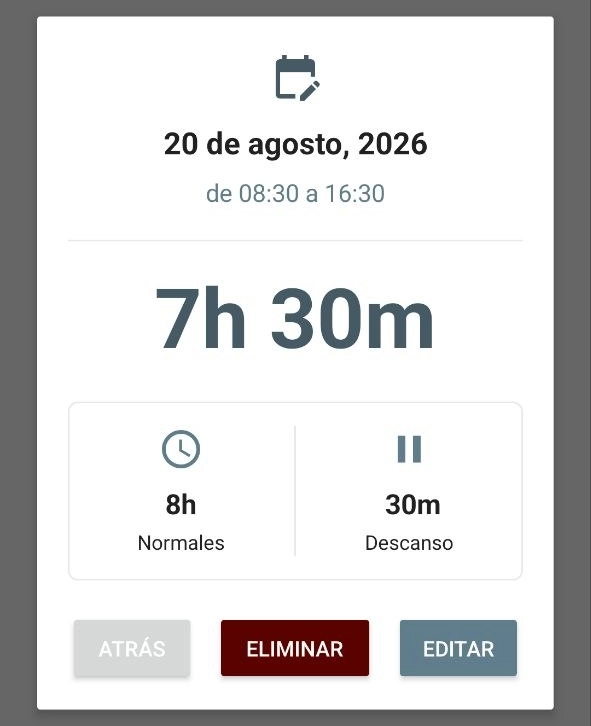

Your time, not a workforce
WorkIO is built around tracking your own work time, not managing employees or teams.
Information you can review
Come back to your workdays whenever you need to check hours, breaks, statistics and other information about your work.
What can you track with WorkIO?
From a single workday to your total for the month. WorkIO brings together the information you need to better understand how you spend your work time.
Workday
Log when you start and finish work and keep every workday in your history.
Breaks
Note the pauses you take to separate time worked from break time.
Overtime
Tell regular time apart from overtime and keep track of the hours you're accumulating.
Hour types
In WorkIO Pro you can use different hour types to match the record to situations like regular work, breaks, overtime or other custom types.
Jobs or projects
Organize the hours for different jobs or projects separately from the mobile apps.
Income
Set up rates to estimate the income tied to your recorded hours.
How to track your time with WorkIO
The goal is simple: log what you work and be able to check it later without having to reconstruct your schedule from memory.
Log the workday
Add the start and end time and the details for that period of work.
Classify the time
Mark breaks, overtime or other hour types available depending on the version of WorkIO you use.
Check your history
Look back at previous workdays from the calendar or the available record views.
Analyse your hours
Check totals and statistics to understand how much you've worked over the period that matters to you.
Check your workdays, hours and statistics
Your record doesn't end when you save a workday. You can come back to your data to check the days you worked, review your records and see how your work time changes over time.
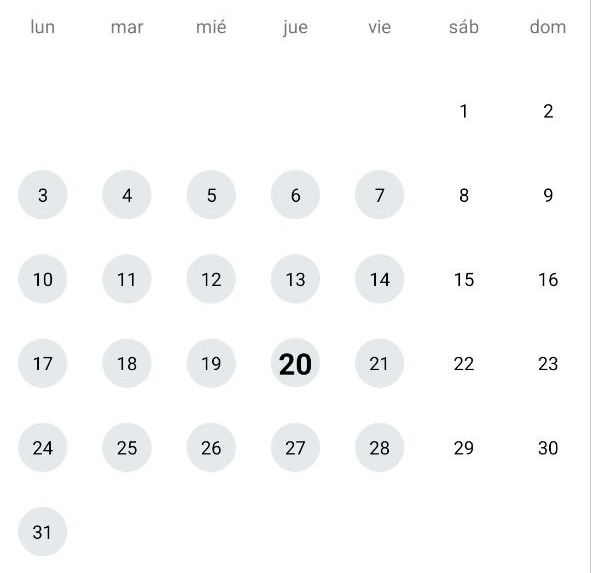
Calendar
See at a glance which days you have workdays logged.
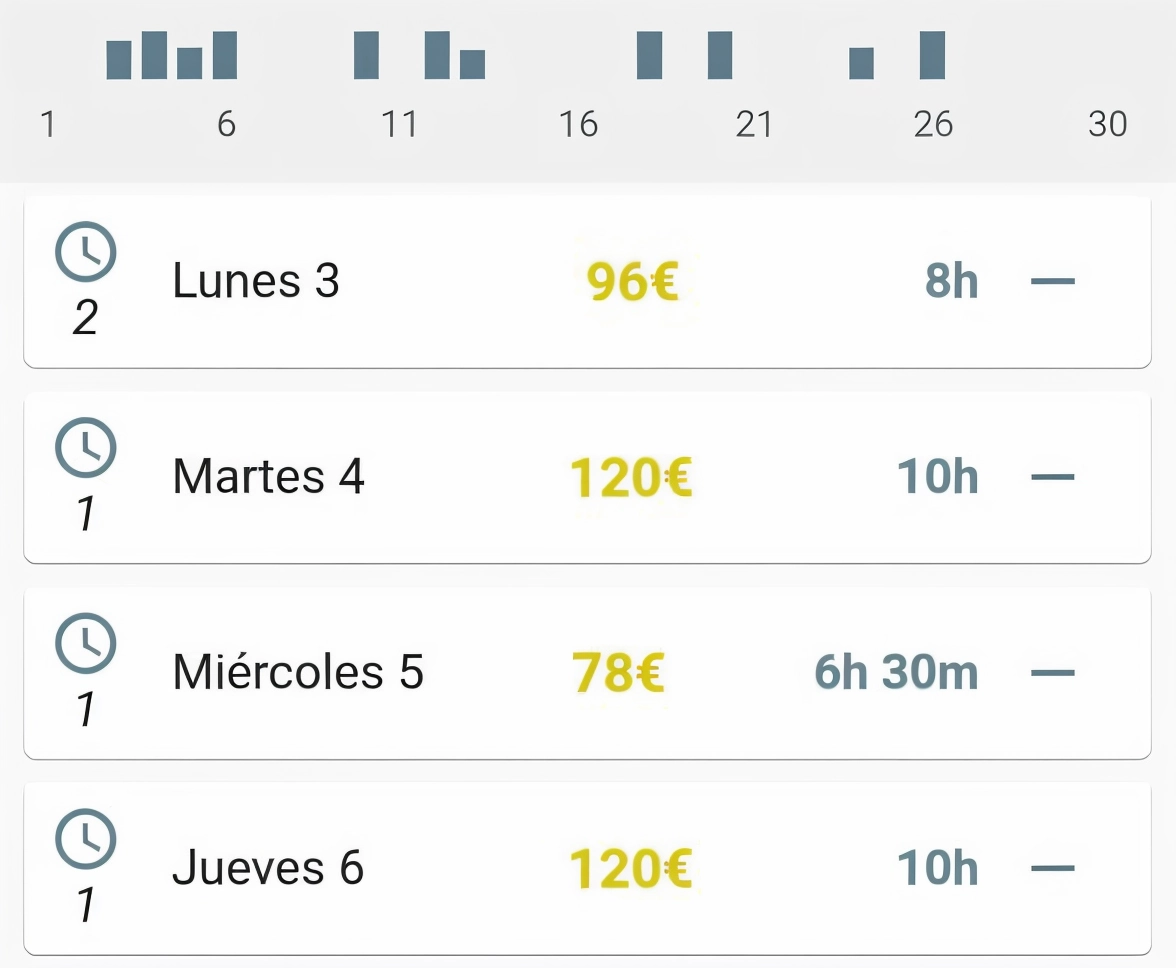
Workdays
Review your records and go back to previous workdays whenever you need to.
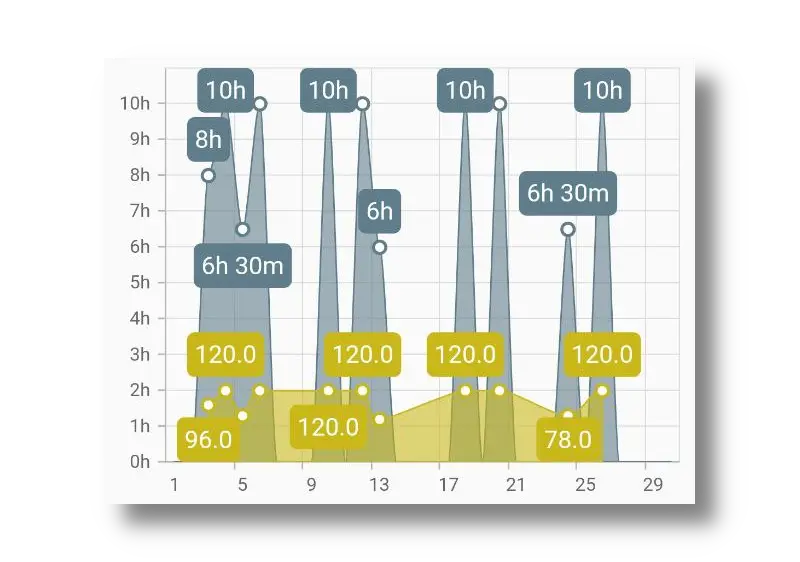
Statistics
See how your hours change over time using the available views.
Calculate once or track every day
Sometimes you just need to solve one specific calculation. Other times you need to keep your workdays over weeks or months. Use our free tools for one-off calculations and WorkIO when you want to keep an ongoing record.
What is time tracking?
Time tracking is the record of the time spent on work: when a workday starts, when it ends and which periods count as time worked or as breaks.
Although it's usually associated with systems used by businesses, keeping a personal time record can also be useful for the worker themselves. It lets you keep a history of your workdays, check the hours you've actually worked and spot differences between the time planned and the time actually worked.
A time tracking app like WorkIO lets you bring that information together in one place and check it later without relying on scattered notes or manual calculations.
Time tracking for people, with a vision that can also work for businesses
Time tracking can serve very different goals. At WorkIO, we believe its real value is bringing clarity to hours worked and helping build a more transparent relationship with working time.
Personal tracking
WorkIO is currently built mainly for the worker themselves: logging your workdays, knowing how much you've worked, tracking breaks and overtime and keeping a history you can check whenever you need it.
- Workdays
- Breaks
- Overtime
- History
What about businesses?
We don't yet offer a dedicated solution for managing a workforce, but we're open to exploring one with organizations that share our approach to time tracking: a tool for bringing clarity, respecting people's time and supporting a better work-life balance, not a surveillance system.
- Clarity
- Trust
- Work-life balance
- Respect for time
Time tracking should bring clarity and trust, not turn into surveillance.
If you represent a company and believe WorkIO could fit a more human and transparent approach to working time, we'd be happy to learn about your case .
Track your hours from mobile and web
Choose the version that best fits how you work.
Android
WorkIO is available on Android to log and check your workdays from your phone.
WorkIO for AndroidiPhone
WorkIO Pro for iPhone uses WorkIO's cloud ecosystem to keep your data in sync.
WorkIO for iPhoneWeb
WorkIO Pro users can also check and manage their workdays from a browser.
Open WorkIO WebStart tracking your hours
Log your workdays, check how much you've worked and keep your history in one place with WorkIO.
Choose the version that best fits you.
Frequently asked questions about time tracking
We answer some common questions about logging hours, how WorkIO works and the differences between keeping a personal record and using a business system.
What's the point of tracking my work hours? +
Tracking your hours lets you know how much time you've actually worked and keep a history of your workdays. It can be especially useful when your schedule changes, you work overtime, you work on different projects, or you simply want to check your hours at the end of the week or month.
Instead of trying to reconstruct afterwards when you clocked in, when you clocked out or how long you took for breaks, you can log that information as it happens. With WorkIO you can keep your workdays organized and come back to them whenever you need to.
Is WorkIO a time tracking system for businesses? +
WorkIO is mainly built for the worker who wants to keep their own time record. It isn't meant to replace an HR platform designed for a business to oversee employees, manage leave or administer a workforce.
Its approach is more personal: log your workdays, check the hours you've worked, tell different types of time apart and keep a history you can review later.
If you're looking for an app to track your own work hours, you can get to know WorkIO and choose the version that suits you best.
Can I log breaks and overtime? +
Yes. WorkIO lets you reflect breaks and tell regular time apart from overtime within your work record, although the exact way of doing it can vary depending on the version you use.
In WorkIO Pro the system is more flexible and lets you work with different hour types tied to a job, making it easier to represent different situations within the same workday.
This means you don't have to limit yourself to saving just a start time and an end time: you can keep a record that better reflects how you actually spent your time.
Can I use WorkIO if I have more than one job or project? +
Yes. The mobile apps from WorkIO let you organize different jobs or projects separately so their workdays and settings don't get mixed up.
This is useful if you juggle several jobs, work on projects for different clients, or simply want to keep different activities apart. You can check each job independently and keep your hour record tidier.
Job management is handled from the mobile apps and currently isn't available as a management feature on the web version.
Can I check how much I've worked over a month? +
Yes. One of the advantages of logging your workdays continuously is that you can later check the accumulated data and review how much you've worked over a period.
WorkIO has a calendar, records and statistics to help you check your workday information. The exact views available can vary depending on the version of the app.
If you only need to add up a few workdays on a one-off basis and don't want to keep a history, you can also use our free work hours calculator .
Can I calculate how much I've earned from my hours worked? +
WorkIO can calculate income from the rates set up for your recorded work. In WorkIO Pro, different hour types can have their own rates, making it easier to adapt the calculation to how your time is actually paid.
Keep in mind these calculations are for your own tracking and don't replace a payslip, a tax calculation or the professional advice that may be needed in each situation.
If you just want to know the approximate value of an hour based on your salary, you can use our hourly wage calculator .
Do I need an account to use WorkIO? +
It depends on the version. Android Legacy is designed to work locally and doesn't need a WorkIO account. The Pro versions use an account to enable features related to storing and syncing data across compatible devices.
This difference matters if you'd rather keep your data on a single device, or if instead you want to access your record from different devices through the WorkIO ecosystem .
Can I check my hours from a computer? +
Yes. WorkIO has a web version tied to the WorkIO Pro ecosystem, so users with an active subscription can check and manage their workdays from a browser as well as use the compatible apps.
The web version lets you work with workdays and periods, check the monthly summary, review activity information and export reports. Some management features, like handling jobs or projects, are still done from the mobile apps.